Demos
Terminal recordings of create-ai-native-project in action, scripted with VHS so they stay reproducible.
Scaffolding a project
The full interactive wizard: name the project, pick a coding tool and a NestJS stack with Postgres, add GitHub Actions CI and Docker — then it composes a runnable, AI-native project in a single pass.

That run wrote 19 files, including:
| Path | What it is |
|---|---|
CLAUDE.md | Instructions file, composed from the project type + every selection |
.claude/agents/ | node-nest specialist + core code-reviewer and security-reviewer |
.claude/skills/ | Core engineering-standards, knowledge-base, using-create-ai-native-project |
package.json, src/, Dockerfile | Runnable NestJS boilerplate |
docker-compose.yml | App + Postgres services |
.github/workflows/ci.yml | CI job for the NestJS app |
.ai-native-project.json | Project state, so re-runs know what's set up |
See Extending a Project for what happens when you run it again in that folder.
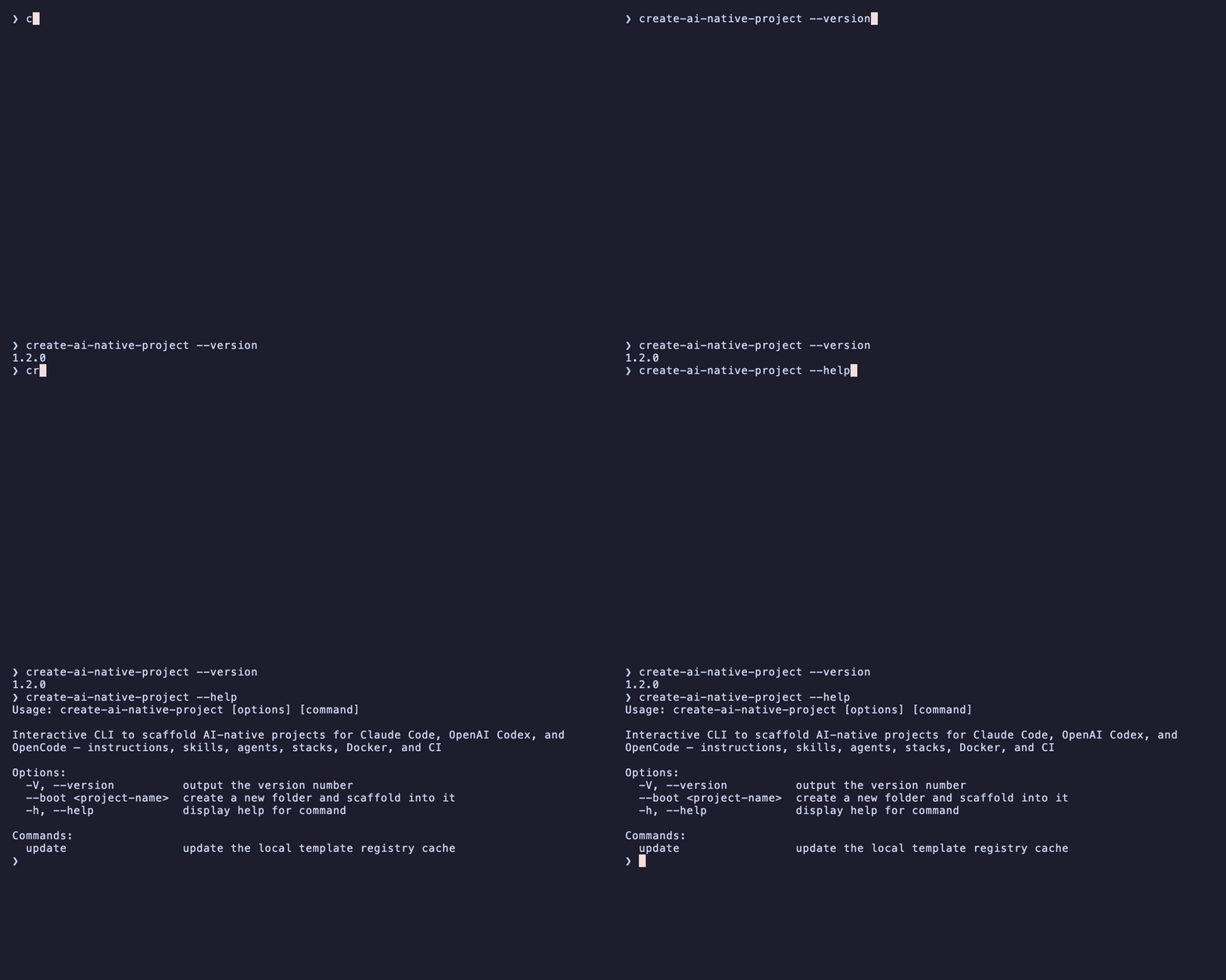
The CLI surface
--version, --help, and the update subcommand.
Reproduce these
The recordings live in demo/ as VHS .tape scripts. With VHS installed (brew install vhs):
bash
npm run build          # tapes drive the built dist/index.js
vhs demo/help.tape     # run from the repo root
vhs demo/wizard.tape