01Start here
Introduction
What geeknative is, why it exists, and what you get when you create a project.
geeknative is a project template and a command-line tool for building the same app natively for iOS, Android and the web, with a coding agent doing the work.
You describe what you want in plain words. The project's AGENTS.md teaches the agent how to work out what kind of request it is, update a shared spec first, build the change in all three apps, and verify it.
Cross-platform apps without cross-platform technology
Native apps use each platform's own language, UI toolkit and conventions. They look and behave the way people on that platform expect, and they get new platform features first. The cost has always been building everything three times and keeping three codebases in step.
Coding agents make writing three implementations cheap. What's still hard is keeping them consistent: the same features, the same behavior, the same copy and the same brand. geeknative gives the agent the structure to do that:
- A shared source of truth. PRODUCT.md, DESIGN.md and one spec per feature, with numbered acceptance criteria.
- Contracts compiled into every app. The app identity, design tokens, copy and icon names live in
contracts/, andmake gengenerates the matching Swift, Kotlin, Android resources, TypeScript and Tailwind theme. - The same architecture with the same names. A feature called
notesisNotesScreen,NotesViewModelandNotesRepositoryin every app. - Checks for every app.
make checkbuilds and tests all three, andmake parityshows which acceptance criteria each platform covers.
What you get
A new project contains:
| Part | What it is |
|---|---|
apps/ios |
A SwiftUI app (iOS 17 and later) with an Xcode project that never needs editing to add files |
apps/android |
A Kotlin and Jetpack Compose app (Android 7.0 and later) |
apps/web |
A React app on TanStack Start, with Tailwind CSS |
AGENTS.md |
Instructions every coding agent follows, plus one per app |
PRODUCT.md, DESIGN.md, spec/ |
What the app does and how it looks |
contracts/ |
App identity, design tokens, copy and icons |
Makefile |
make doctor, make check, make run-ios, and the other commands |
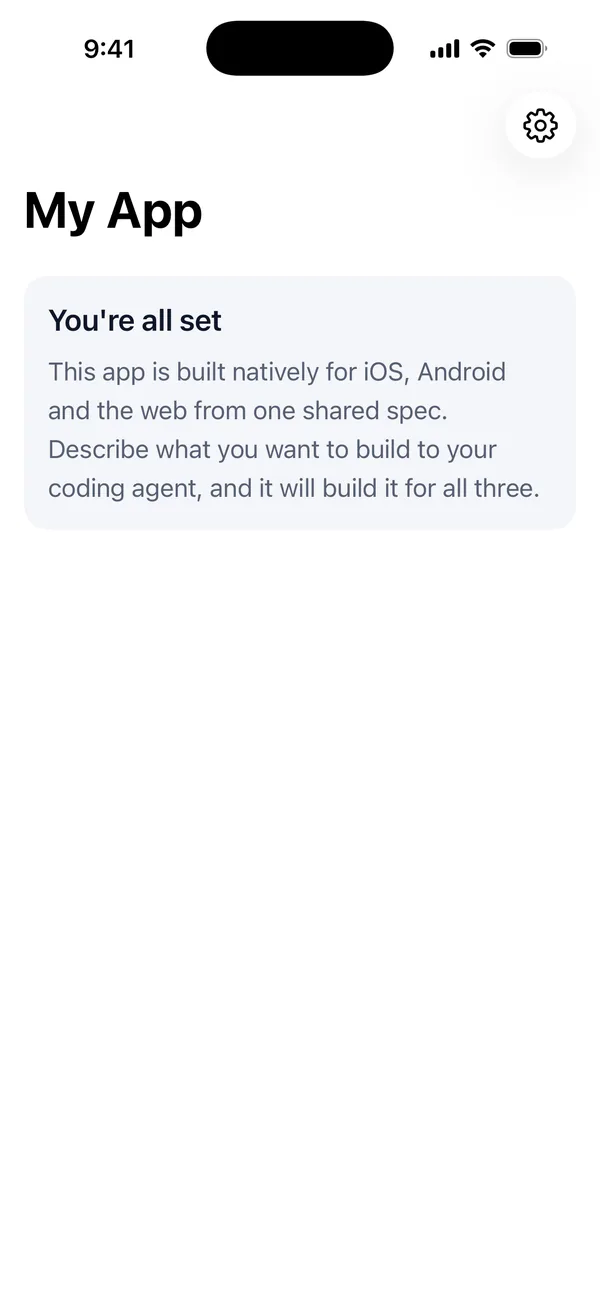
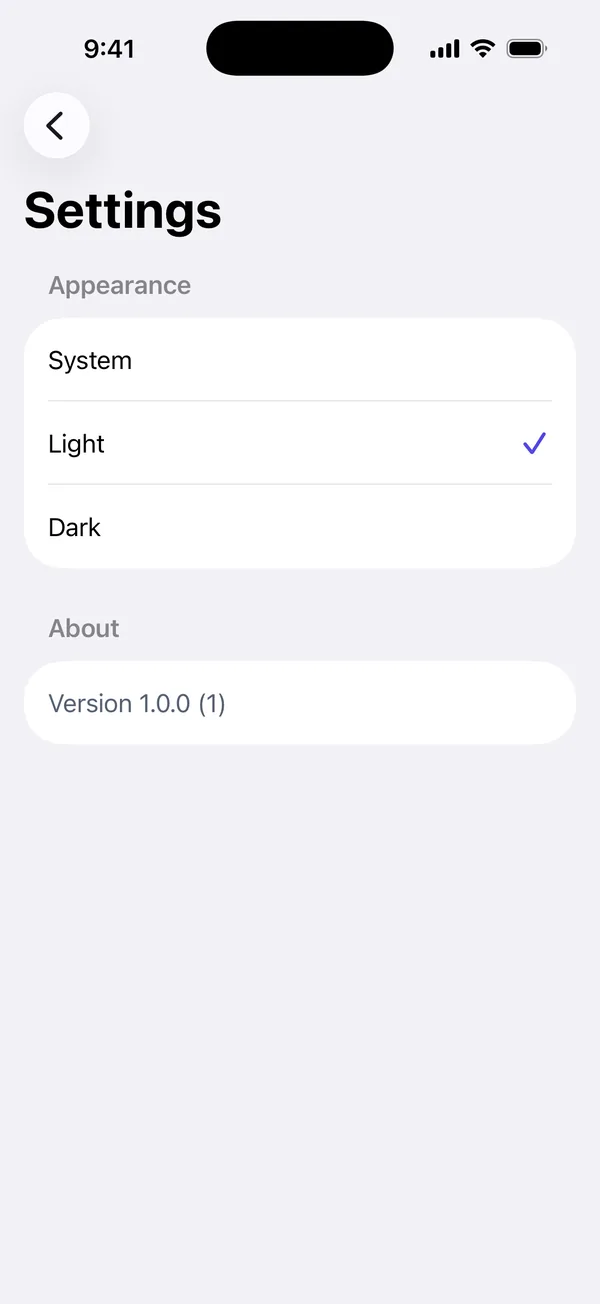
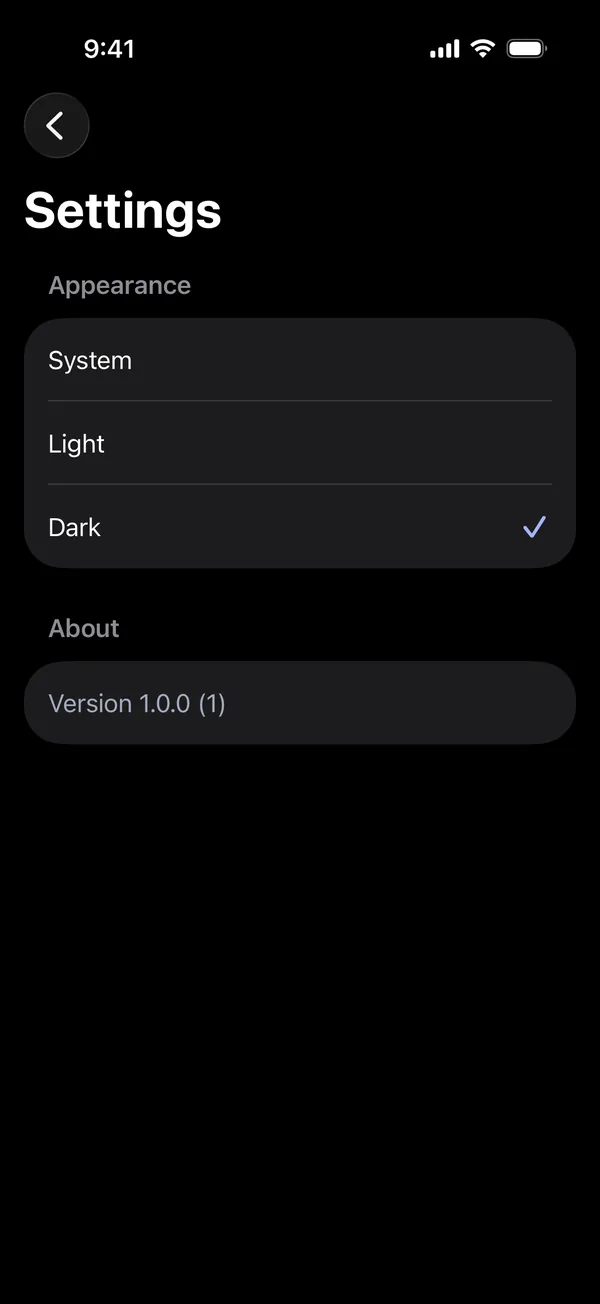
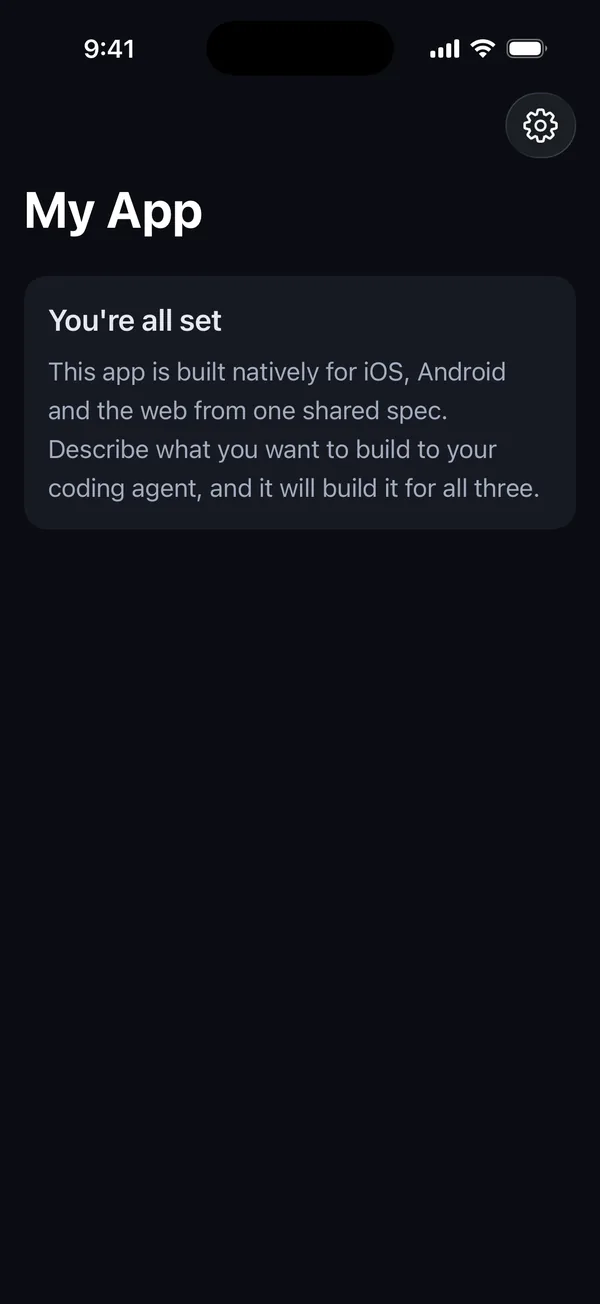
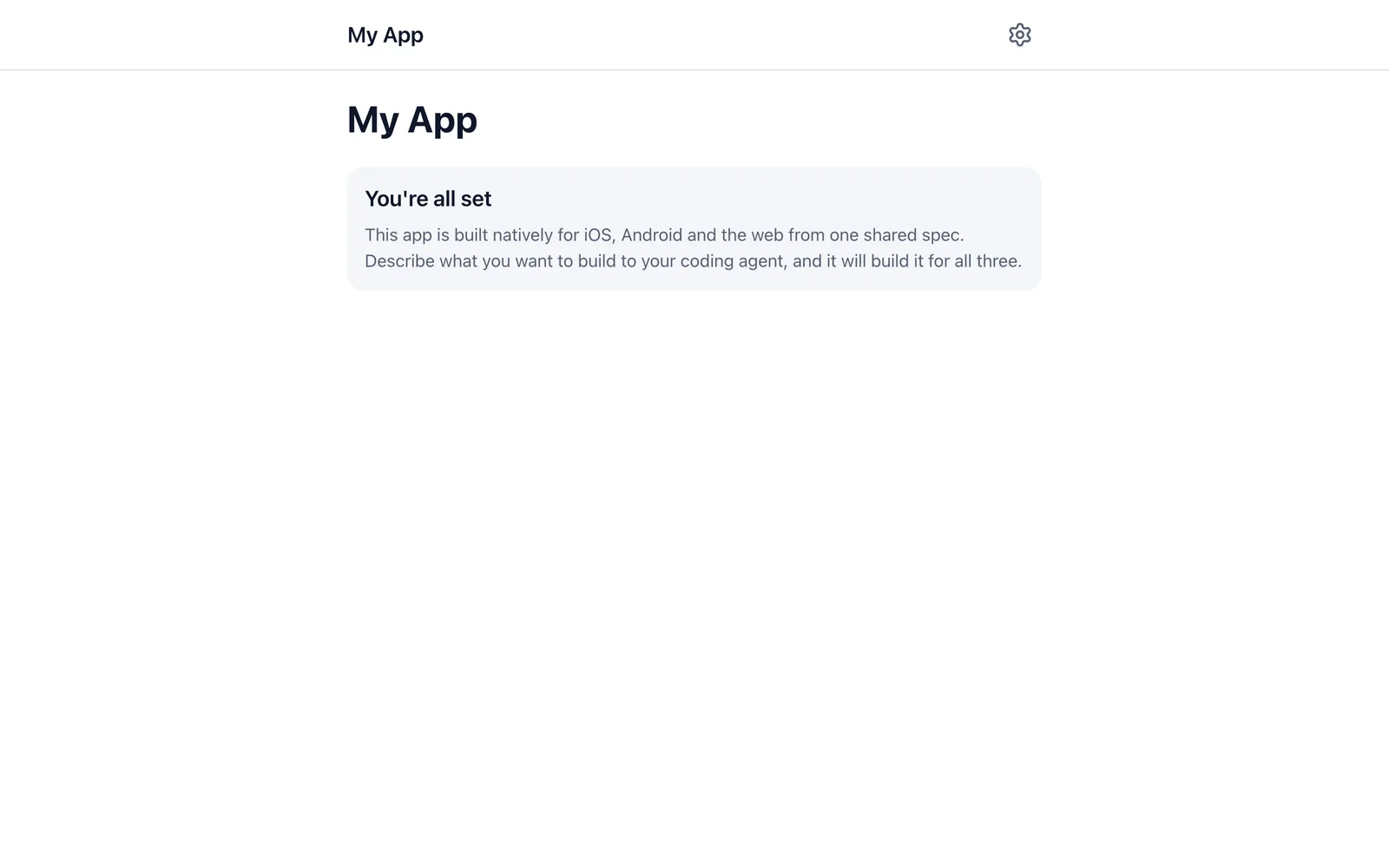
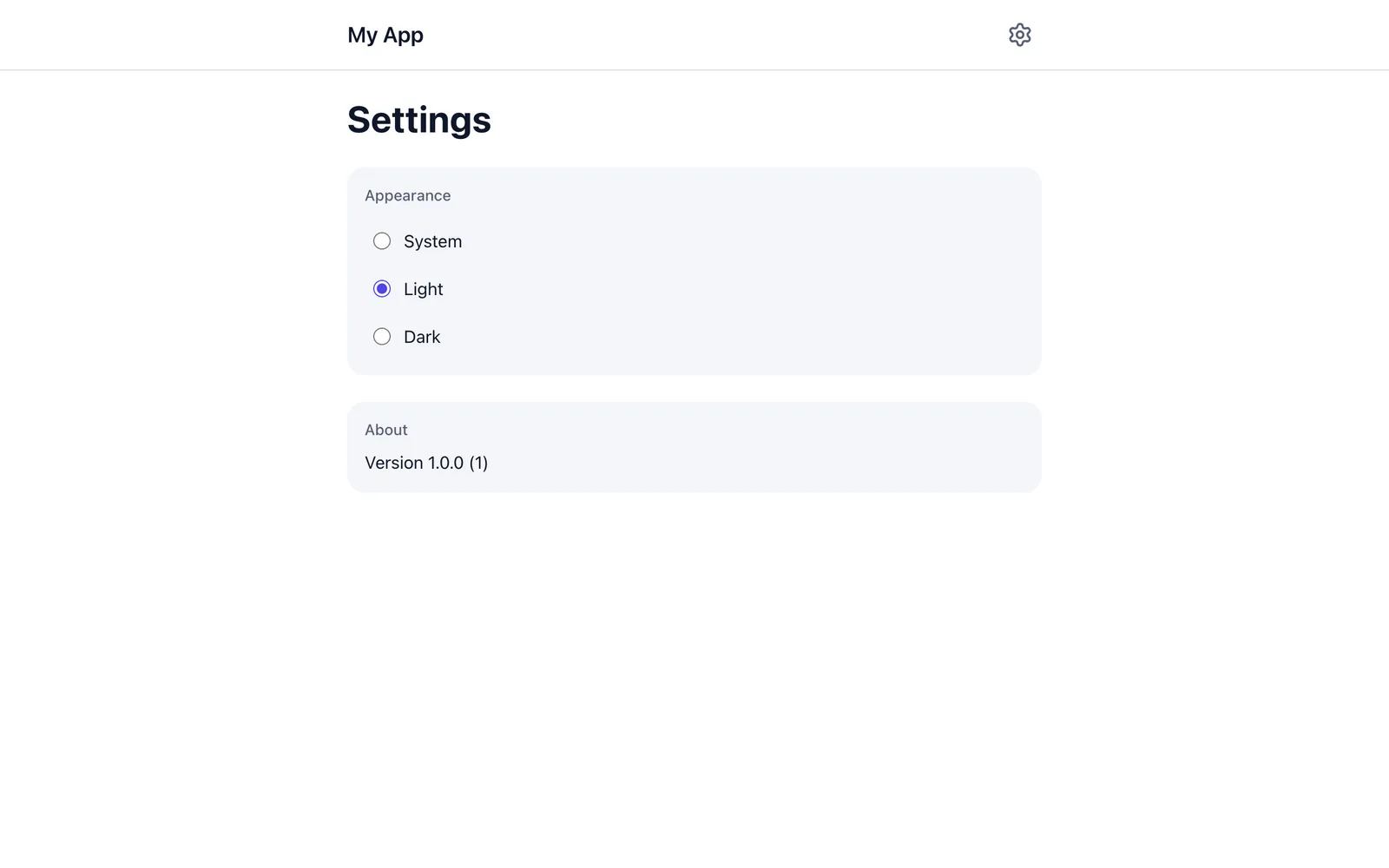
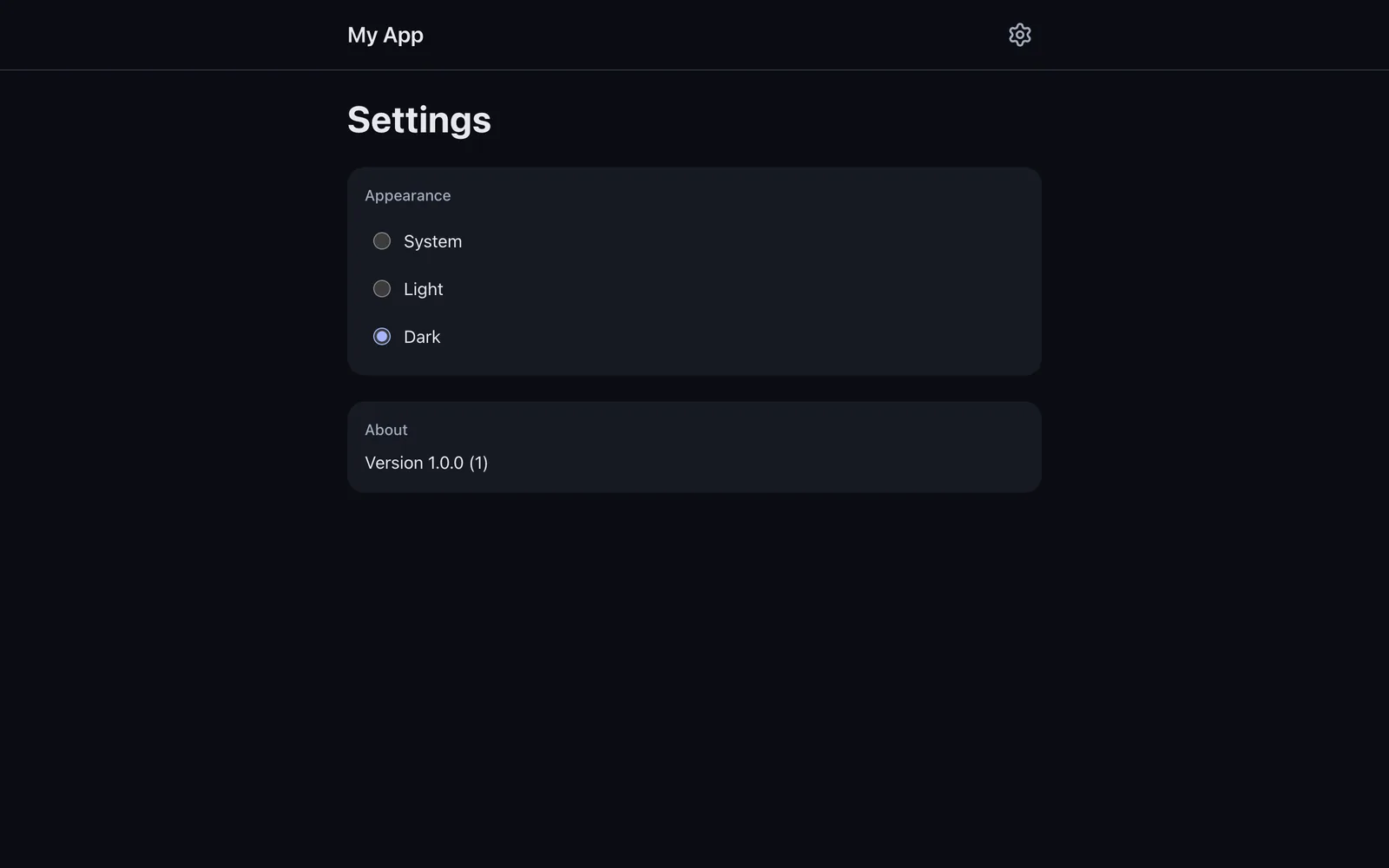
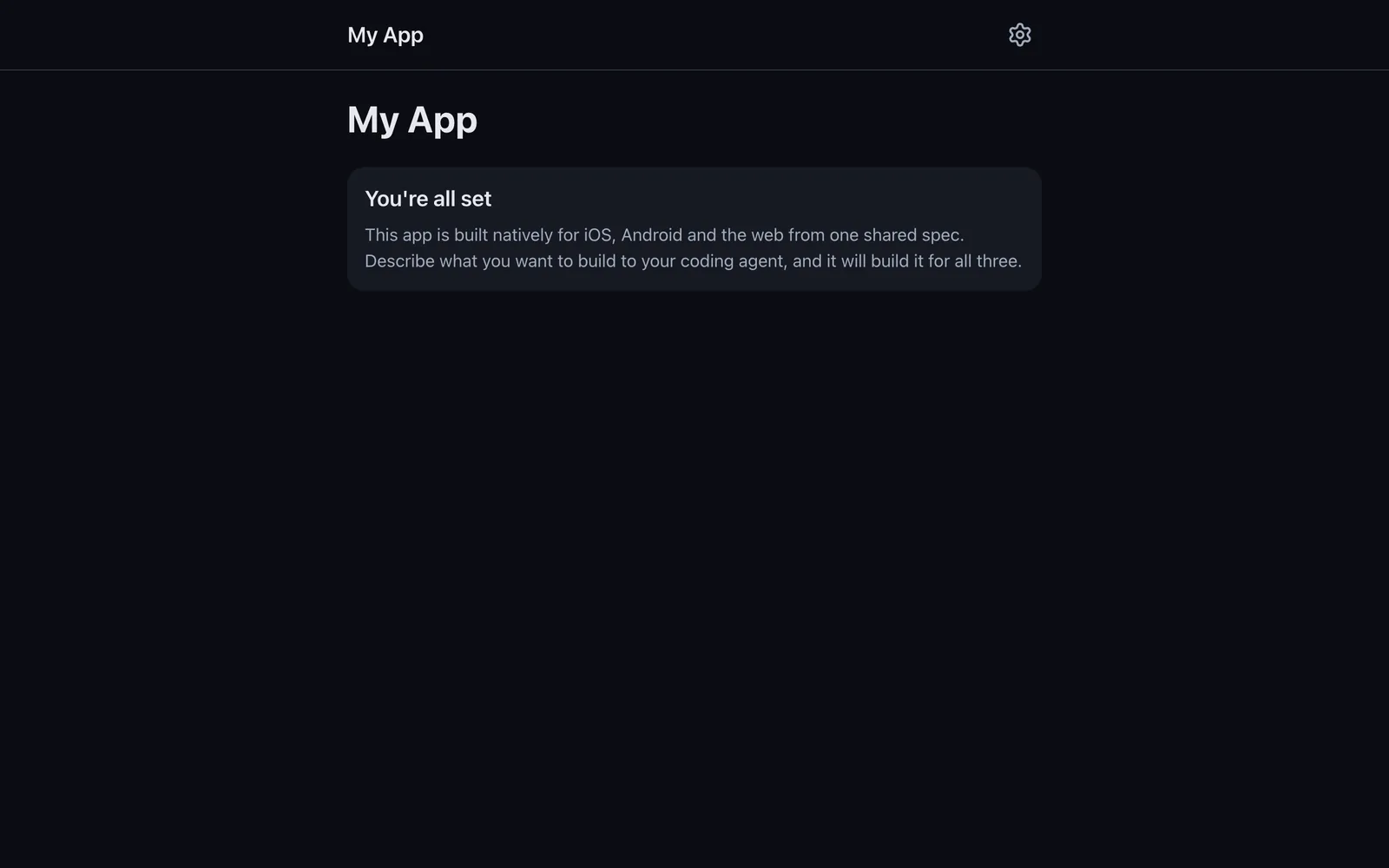
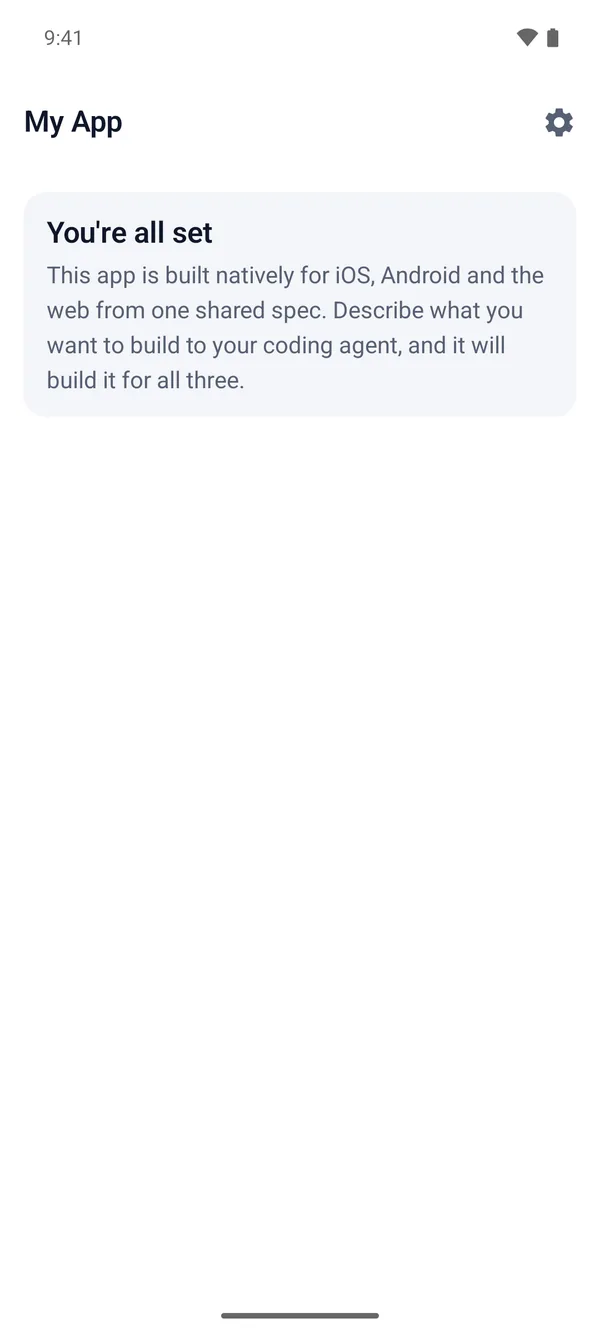
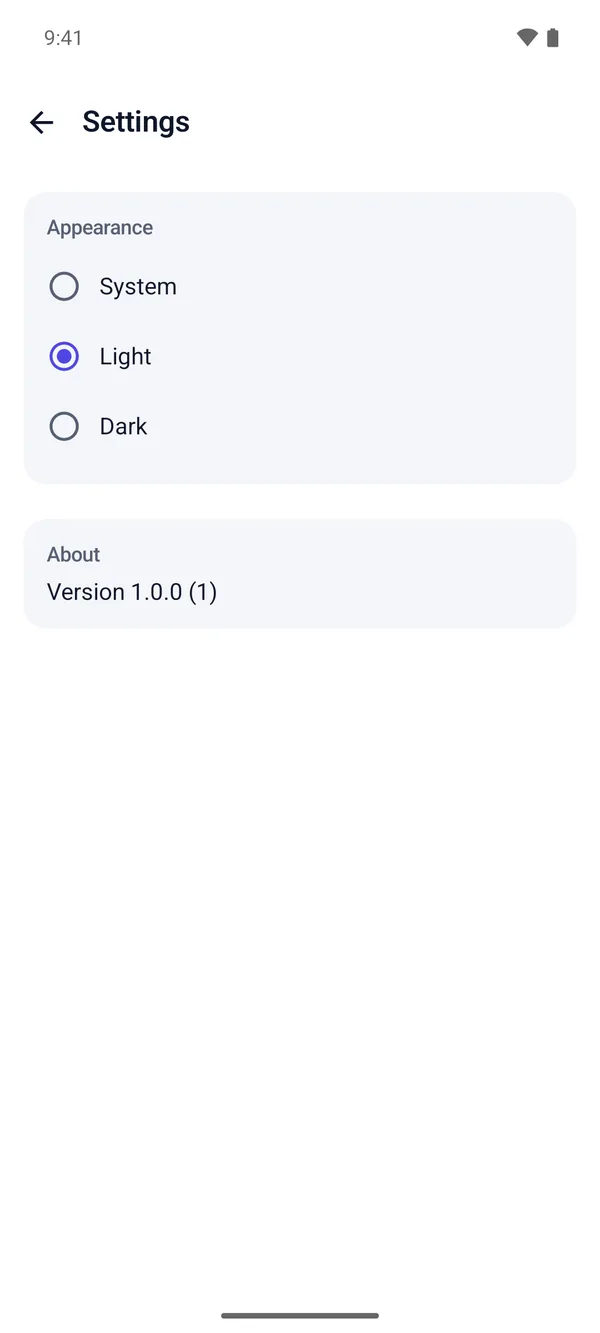
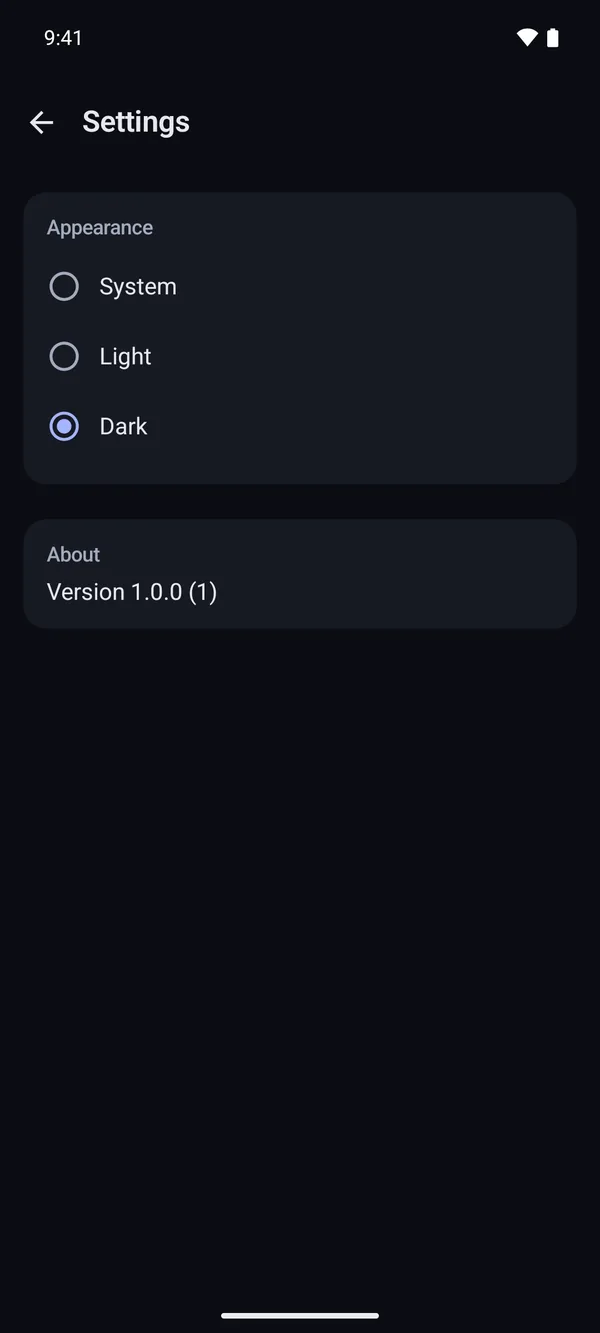
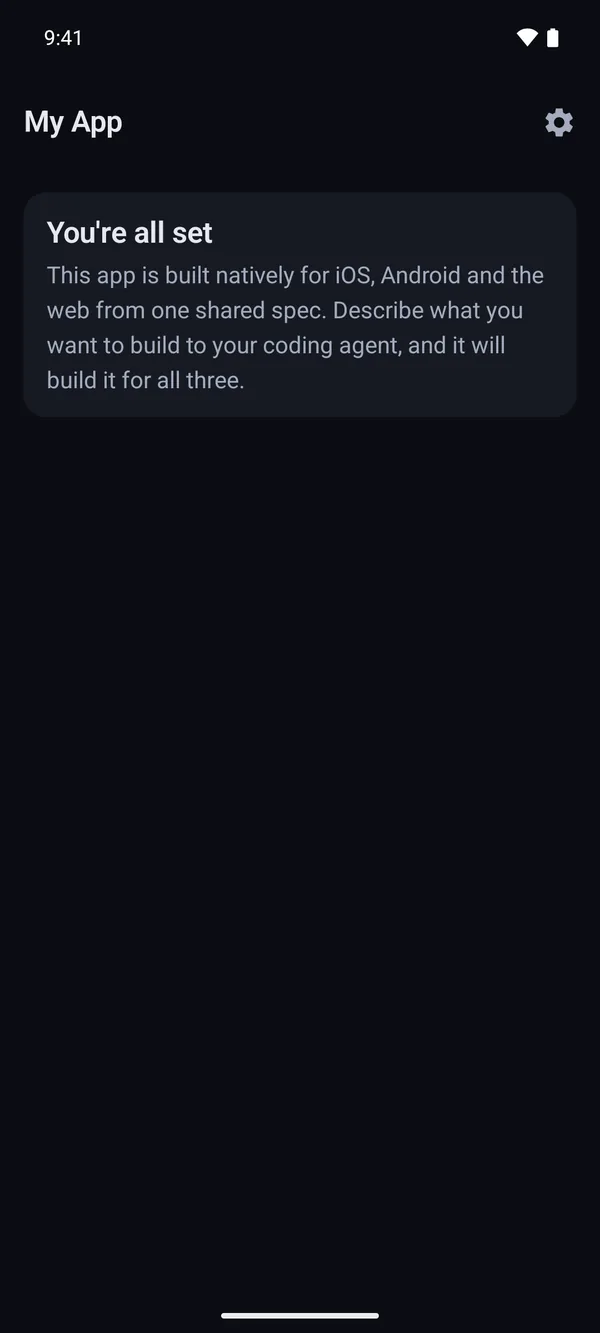
Each app starts with the same two screens, Home and Settings, built the same way on all three platforms. They're a working reference for the patterns new features follow, and you can replace them freely.
What it isn't
- Not a runtime. There's no shared code and no cross-platform layer. Each app is plain SwiftUI, Compose or React.
- Not a UI kit. Each app uses its platform's own components. Design tokens make them look like one brand.
- Not tied to a backend. Features read and write through repository interfaces with local implementations. A backend can be added later without changing screens.
- Not tied to one agent. Any agent that reads AGENTS.md works. Claude Code gets extra integration.
Next steps
- Quick start: create a project and build all three apps.
- How it works: the layers, the loop, and what "done" means.